Blog· October 8, 2026
Brand switch or rental swap? How to read a yard without fooling yourself
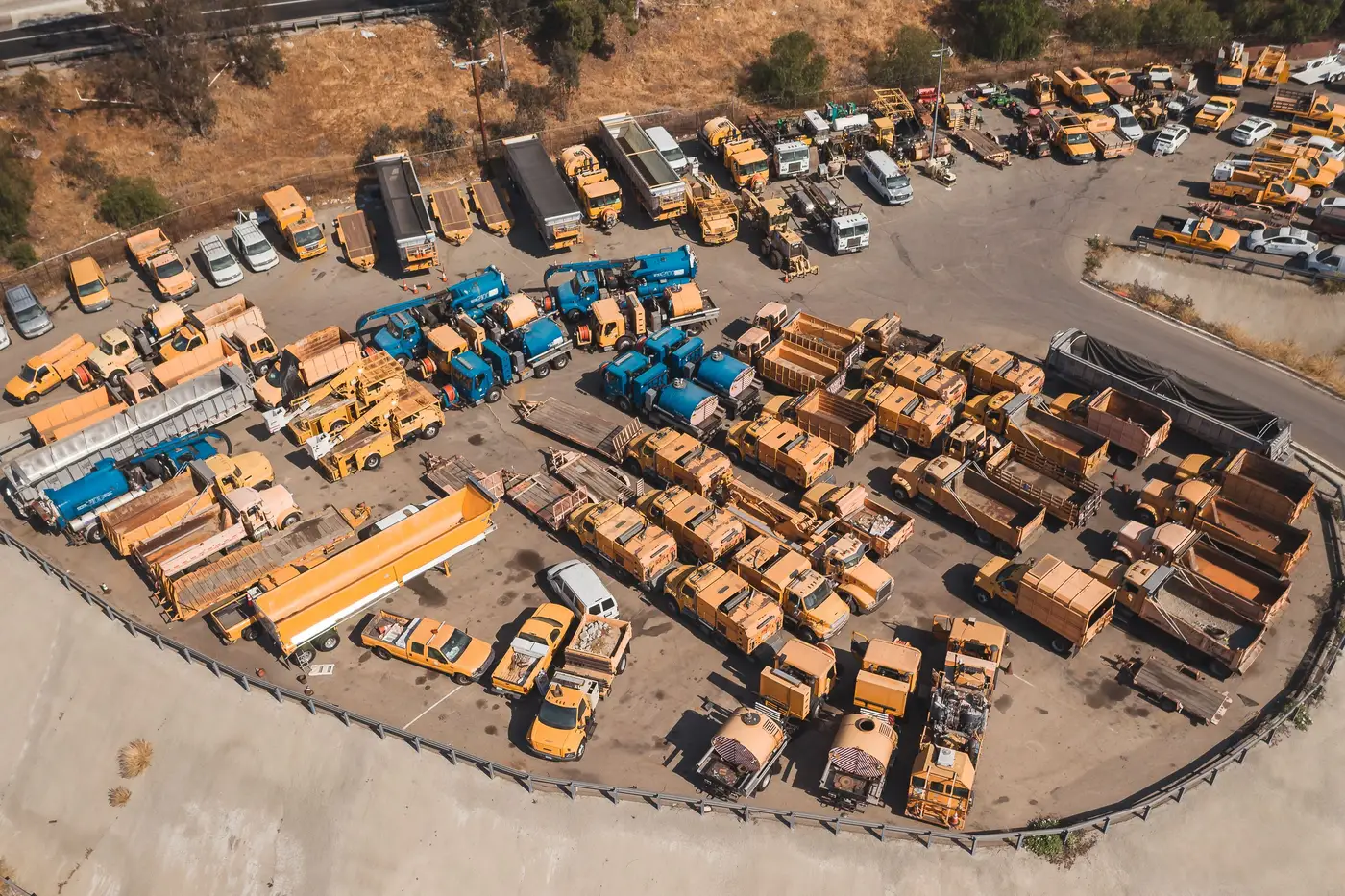
A rep drives past a customer's yard, sees a competitor's paint scheme parked next to the usual iron, and calls it in as a loss. Maybe it is. Maybe it's a rental house that dropped a unit for a six-week job and it rolls back out before the next invoice cycle. Those are two different events, and if you're tracking brand mix at named accounts, mixing them up is how you end up reporting share losses that reverse themselves next quarter and real losses that nobody flagged until a renewal came up empty.
What a brand switch actually looks like
A brand switch is a change in what the customer owns, or in what they've committed to for the length of a lease or a term rental that functions like ownership. The signal is persistence. The competitor's unit shows up on one visit and it's still there, doing the same job, the next time someone counts the yard. It's parked where the old machine used to sit, running the same application, often alongside a trade-in gap where a familiar serial number has disappeared from the lot entirely.
A single drive-by can't confirm any of that. One pass tells you a competitor's unit is present. It doesn't tell you whether that unit replaced something, got added to a job that's wrapping up in three weeks, or belongs to a sub who trailered it in for the day. You need the same yard read again, and then a third time, before "present" turns into "replaced."
What a rental swap looks like
A rental swap is a short-term fleet fill. The customer's core owned fleet, the stuff that shows up on their balance sheet and gets serviced by their regular dealer, hasn't changed. What's changed is that they've got a surge job, a breakdown they're covering while a unit is in the shop, or a seasonal peak that doesn't justify a purchase. The competitor's badge on-site is the rental company's inventory, not the customer's decision about who they buy from.
The tells are usually visible if you know to look for them: rental-fleet decals or asset tags instead of the customer's own fleet numbering, a unit that doesn't match the customer's usual spec for that application, and timing that lines up with a known job surge rather than a replacement cycle. Rental units also tend to disappear. If a count from Q2 shows the competitor's machine and the Q3 count doesn't, that was very likely a rental, not a switch, however it looked in isolation.
Why one visit can't tell you which is which
The mix-up comes down to sample size. A brand switch and a rental swap look identical in a single snapshot: a competitor's unit, on the customer's yard, doing work. The only thing that separates them is what the yard looks like next time. A rental shows up and leaves. A switch shows up and stays, and it keeps showing up at the same spot in the yard quarter after quarter, usually with the trade-in confirming it by its absence.
That's the whole case for tracking a site as a trend instead of a tip from a rep driving past a gate. A single count tells you what's parked there today. A repeatable read of the same account, quarter after quarter, is what tells you whether a competitor's unit on-site last quarter was a rental that rolled off or the first sign of real share moving on an account that matters.
Share of Yard is built around that distinction: a per-site brand count read on a quarterly cadence, so a competitor's unit that's a one-quarter rental and a competitor's unit that's becoming the new normal at a site don't get filed under the same line item.
If you're tired of guessing which one you just drove past, that's the gap this is meant to close.